01NEW FEATURE
Next-generation
SKU tracking.
AI swarm agents track different visible SKUs at once. Each keeps a separate movement history, with checked updates to your WHMS.
TRACK THE SKU.
Know where it moved. Know where to find it.
Connect your existing warehouse cameras to your WHMS.
Limited trial spots available.
45-second silent demo · captions included.
FROM MOVEMENT TO RECORD
Falcon I connects what your cameras see to the inventory system you already use.
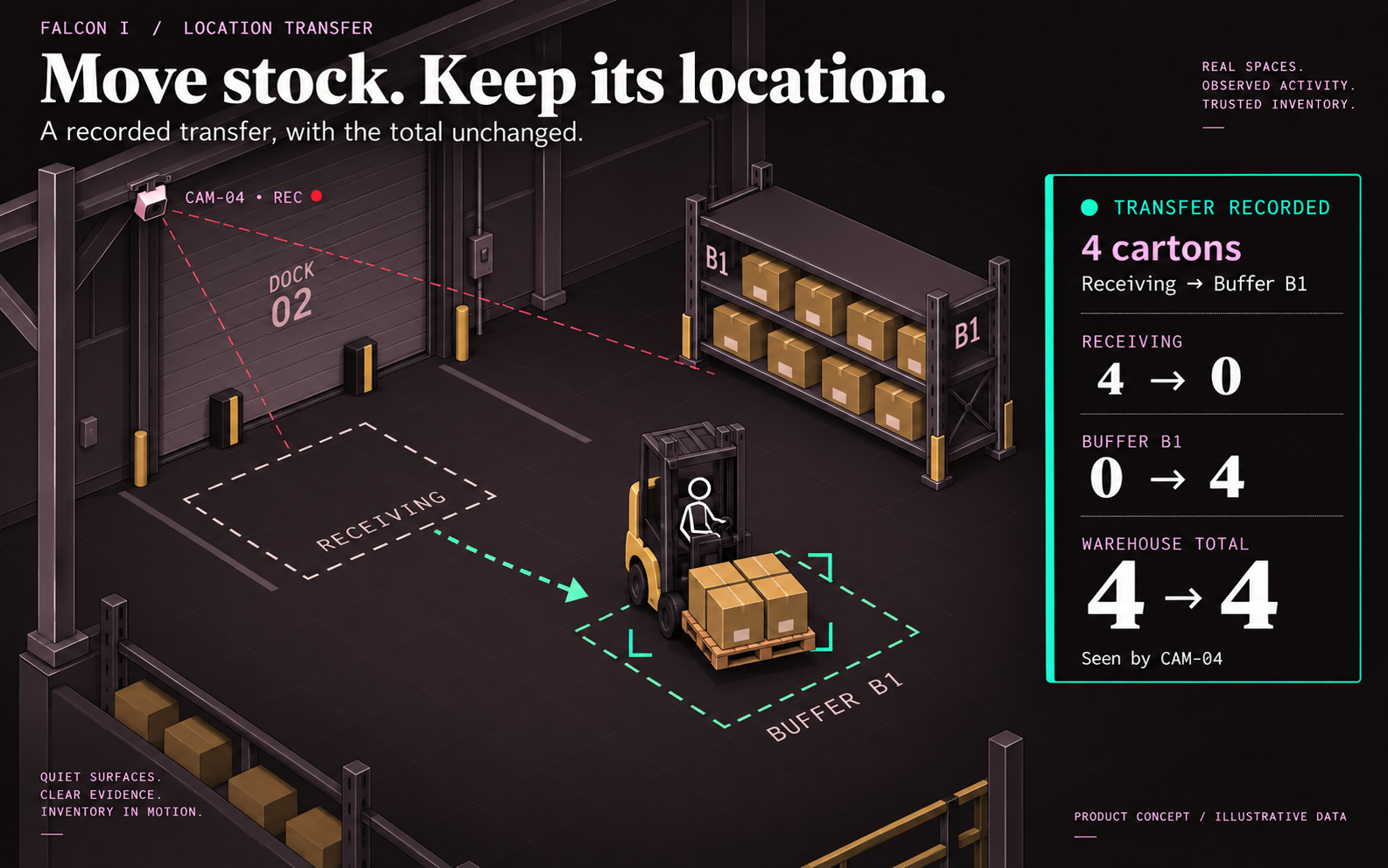
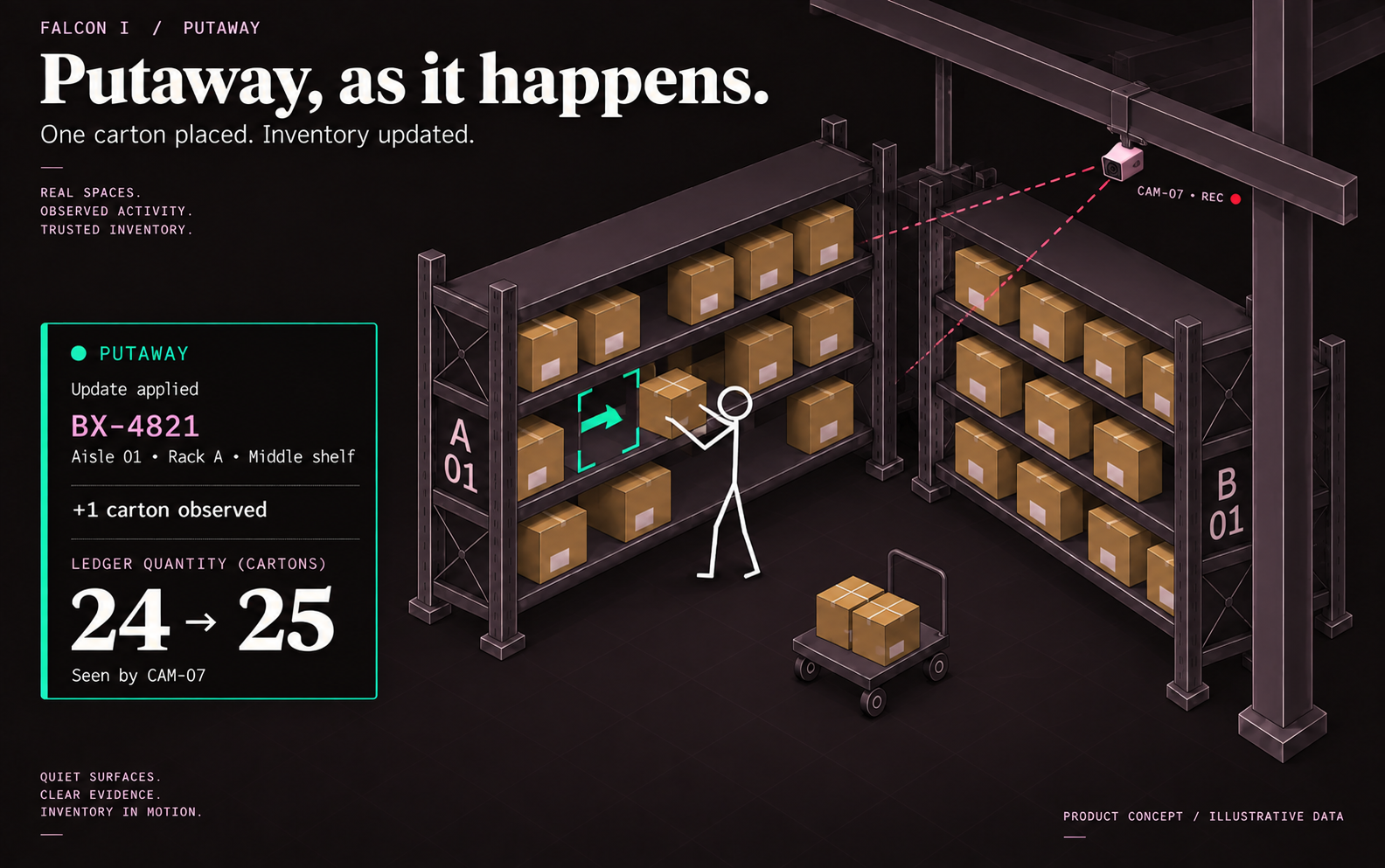
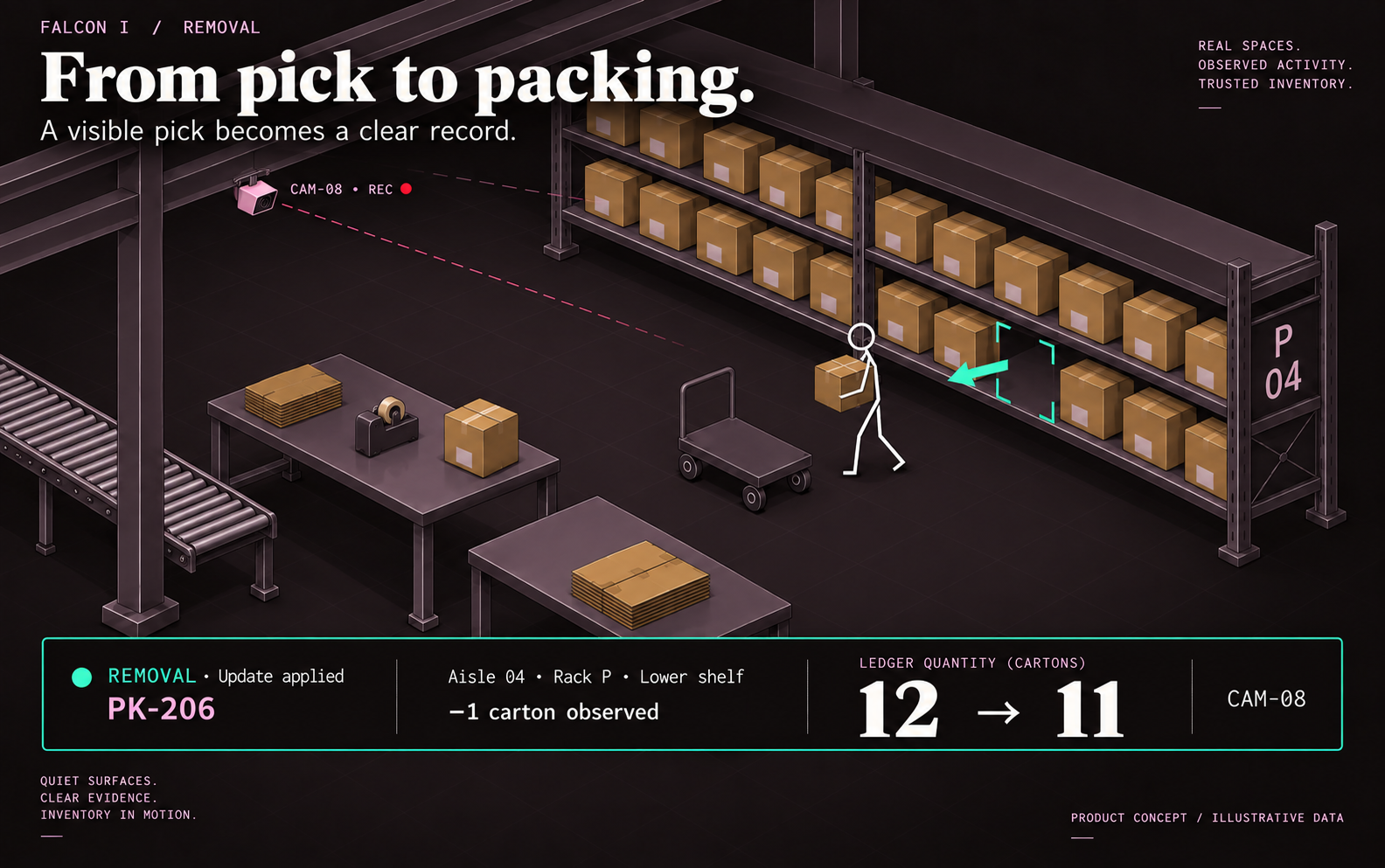
Track visible picks, putaways, and transfers as work happens.
Confirmed moves update SKU locations and quantities.
01 / FOLLOW THE SKU
02 / INVENTORY VISIBILITY
AI swarm agents track different visible SKUs at once. Each keeps a separate movement history, with checked updates to your WHMS.
Ask for a SKU. See its location, the camera that found it, and how many units are visible.
Read visible labels and SKU codes, with a clear location your team can use.
Track visible quantity changes as inventory moves. Keep camera evidence with the record.
Send confirmed SKU movements, quantities, and location changes to your existing system.
Turn recorded footage into a timeline of what was seen, when, and where.
NEW / AI SWARM AGENTS
Two workers remove different SKUs at once. One agent follows each item through your existing cameras. Each movement keeps its own record.
An AI agent is a software worker. Each agent has the same tracking capabilities and takes on a different active item.
Each agent can examine an item’s identity, visible quantity, location, and direction of movement.
Agents take on active items as they move, keeping each item’s evidence and movement history separate.
Agent findings are checked before an inventory update. Unclear identity, quantity, or location stays in review.
03 / FIND IT FASTER
A SKU, a location, a camera. Give your team the answer they need to keep work moving.
See it in your warehouseFind SKU-4471
Ask about another SKU
04 / CONNECT WHAT YOU ALREADY HAVE
Falcon I fits into the warehouse you already run.
Use the cameras already overseeing your aisles, racks, and work areas.
Connect each observed move to its SKU, quantity, location, and camera.
Falcon I attaches to your WHMS and sends confirmed inventory updates.
Coverage follows what your cameras can see. Blocked views and unclear quantities stay in review.
30-MINUTE WALKTHROUGH
Find a SKU. Follow a move. See the WHMS update.
05 / THE COST OF LOST TIME
See your current warehouse costs, then what Falcon I could help you save.
2 WEEKS FREE TRIAL · LIMITED SPOTS
Try Falcon I free for 2 weeks with your warehouse cameras and WHMS.
Trial registration is not open in this preview yet.
Camera coverage and your WHMS connection are reviewed during onboarding.